Cleanup. AI Storage Cleaner
Publisher Description

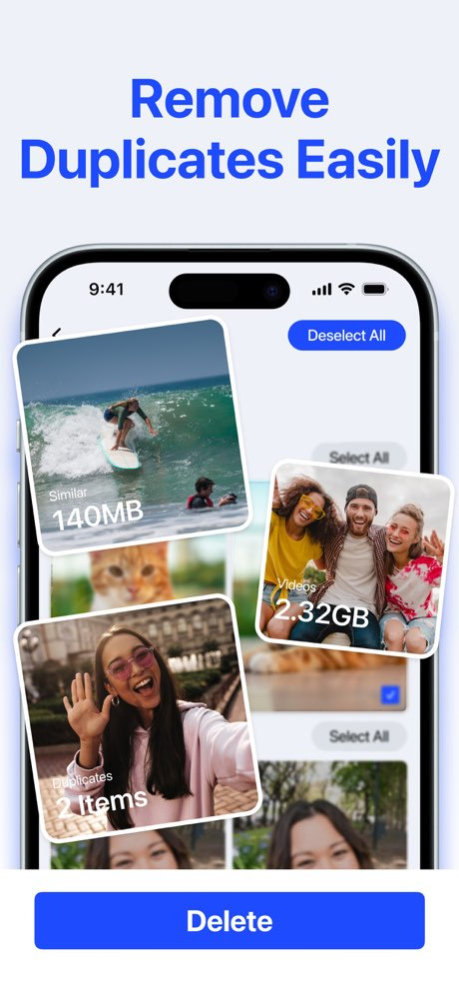
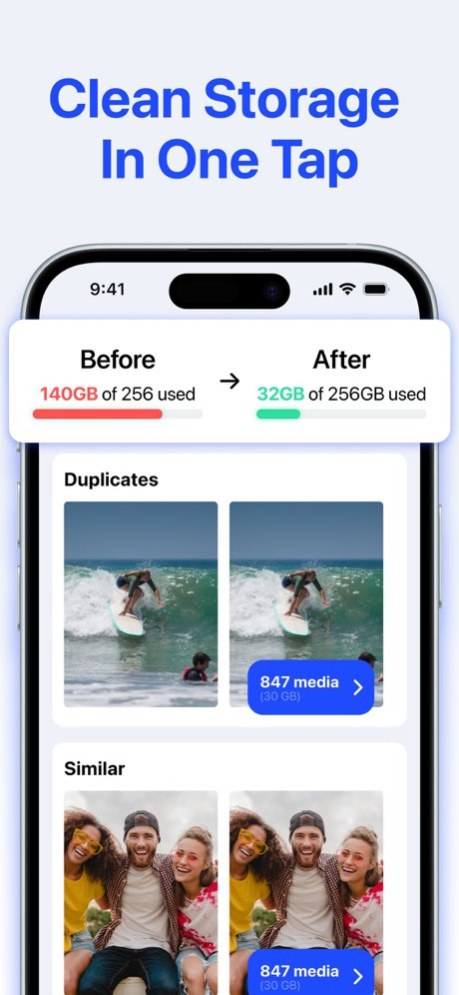

Clean up your iPhone gallery and free up storage with Cleanup AI, a smart storage cleaner built for photos and videos.
Cleanup AI helps you find duplicate photos, similar shots, blurry pictures, screenshots and large videos that take up space in your photo library. Review everything before deleting, keep your best memories and remove the clutter you no longer need.
MAIN FEATURES
Delete Duplicate Photos
Find repeated photos and duplicate-looking shots in your gallery, then quickly choose what to keep and what to remove.
Find Similar Photos
Group similar pictures together so you can compare them easily and keep the best version.
Detect Blurry Photos
Spot unfocused, low-quality or blurry shots that are taking up space in your library.
Clean Screenshots
Review old screenshots in one place and delete the ones you no longer need.
Manage Large Videos
Find videos that use the most storage and decide which ones are worth keeping.
Review Before Deleting
Preview your photos and videos before removing anything, so you always stay in control.
Free Up Storage
Make more room for new photos, videos, apps and iOS updates by removing unnecessary media from your device.
Cleanup AI focuses on photos and videos only. No email cleaner, no contacts manager and no confusing extra tools - just a simple way to clean your gallery and reclaim storage.
Download Cleanup AI today and start organizing your iPhone photo library in minutes.
Privacy Policy: https://www.iubenda.com/privacy-policy/86941225
Terms of use: https://www.iubenda.com/terms-and-conditions/86941225
About Cleanup. AI Storage Cleaner
The company that develops Cleanup. AI Storage Cleaner is Mary srl. The latest version released by its developer is 1.0 .
To install Cleanup. AI Storage Cleaner on your iOS device, just click the green Continue To App button above to start the installation process. The app is listed on our website since 2026-10-14 and was downloaded 0 times. We have already checked if the download link is safe, however for your own protection we recommend that you scan the downloaded app with your antivirus. Your antivirus may detect the Cleanup. AI Storage Cleaner as malware if the download link is broken.
How to install Cleanup. AI Storage Cleaner on your iOS device:
- Click on the Continue To App button on our website. This will redirect you to the App Store.
- Once the Cleanup. AI Storage Cleaner is shown in the iTunes listing of your iOS device, you can start its download and installation. Tap on the GET button to the right of the app to start downloading it.
- If you are not logged-in the iOS appstore app, you'll be prompted for your your Apple ID and/or password.
- After Cleanup. AI Storage Cleaner is downloaded, you'll see an INSTALL button to the right. Tap on it to start the actual installation of the iOS app.
- Once installation is finished you can tap on the OPEN button to start it. Its icon will also be added to your device home screen.
